
Using a SIM Swapping attack, hackers can trick mobile carriers into transferring your phone number to their own SIM card, putting your financial accounts, emails, and personal data at severe risk.
When a phone number is hijacked, two-factor authentication (2FA) SMS messages are instantly sent to the hacker. This allows them to reset account passwords, steal funds, and cause massive damage before you even realize your device has lost service.
Major mobile carriers offer free security features to prevent these breaches, but users must manually enable them through their respective mobile apps to stay protected.
AT&T users can turn on ‘Wireless Account Lock’ in the profile menu of the mobile app to block SIM changes and number transfers across all connected lines at once.
T-Mobile users must activate ‘SIM Protection’ in the app’s security menu for all registered phone numbers, and then enable ‘Port Out Protection’ in the add-ons menu for each specific line.
Verizon users need to enable both ‘SIM Protection’ to block unauthorized device and SIM changes, and ‘Number Lock’ to prevent porting out to other carriers in the app settings.
Prepaid and MVNO users, including US Mobile, Mint Mobile, Visible, Cricket, Google Fi, and Spectrum, should also check with their respective carrier apps or customer service to confirm and enable port-out protection features.
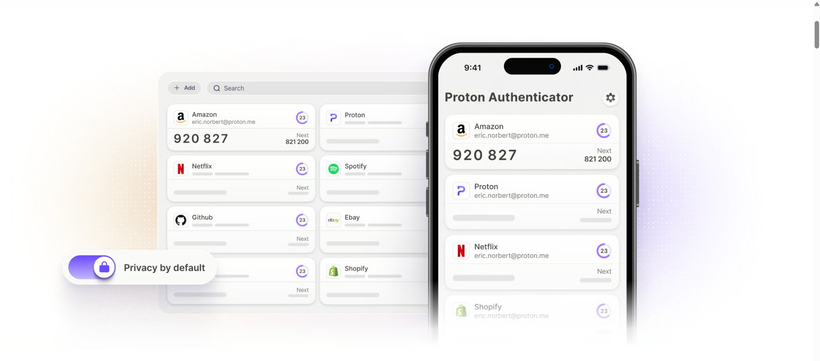
Experts strongly recommend using separate authentication apps, such as Proton Pass or Google Authenticator, instead of SMS for two-factor authentication. Because authenticator apps generate independent codes regardless of your phone number, they prevent verification code leaks even if your number is stolen.
While temporarily disabling these security features when upgrading your device can be slightly inconvenient, enabling them right now through your carrier app is essential to keeping your personal information and financial assets safe.